
SYNAPSE IMPLEMENTATION
Welcome to Paynuity’s Enhanced Package
Paynuity Synapse Implementation Checklist
POS Card
Reader(s)
The credit card terminals are on their way and should arrive within 5 business days. Scroll down to select your POS terminal-model to access our easy setup guide.
Paynuity Web
Portal
Admin Login credentials for accessing the Paynuity web portal / dashboard have been sent to the primary email address provided by your team. Please verify you can successfully login to the portal.
Download LPA Synapse File
Using the same admin login credentials referenced above, log in to the Paynuity Web Portal to access and download the LPA Synapse File. For detailed instructions please login here and click on Synapse Icon on top bar.
User
Training
An “on-demand” video is available at the bottom of this page. This covers the platform’s key features.
Start Accepting Payments Today
Once the card readers are setup, Paynuity Portal is accessible and LPA Synapse is installed, you are ready to start accepting payments!
LPA Synapse setup
Log in to Paynuity Web
Portal / Dashboard
Download
LPA Synapse
PAYMENTS PROCESSING
CARD READER
SET-UP
(POS TERMINAL)
Start
Processing
Payments Processing Set Up
CARD READERS
Click the links below for additional tutorials about
connecting to the card reader.

PAX
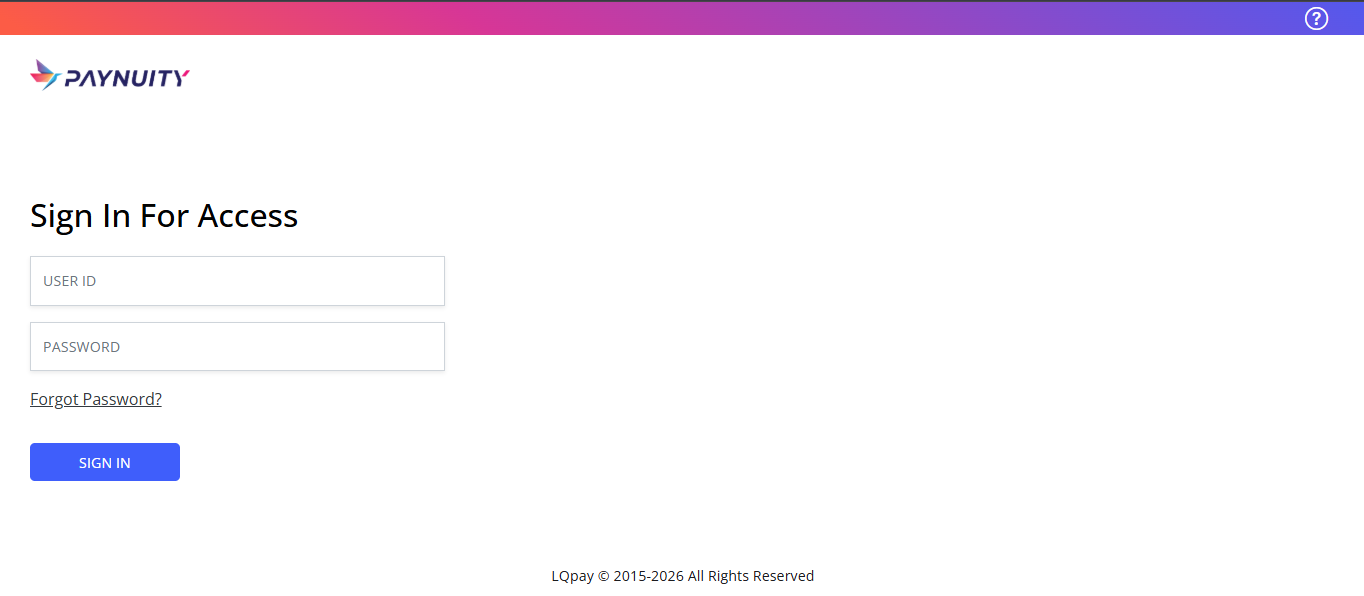
Paynuity Portal
Click to access the client login portal. Keep an eye
out for credentials sent to you via email.
Training Videos
Ready to train your users? Click below for access to our user orientation and training video. Once logged
in to your Paynuity portal, visit the Academy tab for additional tutorials on all the various features of the solution.

Need further Assistance?
Should you need any further support, please contact:
Technical Support:
merchanthelp@paynuity.com or 888-878-7100
