
Implementation
Welcome to LQpay
Thank you for choosing us as your healthcare payments technology partner! We are excited to see your practice get started and embark on a transformative journey to bring your vision to life. This instructional guide is designed to provide you with the information and resources necessary to ensure a smooth transition and successful implementation of our solution. Our Implementation Team will be with you every step of the way. Should you need assistance at any time, please contact our Implementations Team at implementation@lqpay.ai or (833) 572-6682.
LQpay Implementation Checklist

Robotics/
Auto-Posting

Your LinQ PC/unit (LQpay Bot) will arrive within the next 5 – 7 business days. Upon receipt, complete setup as shown on our Implementation Resource Page.*
Not Using Robotics/Auto-Posting? Skip this step!

POS Card
Reader(s)
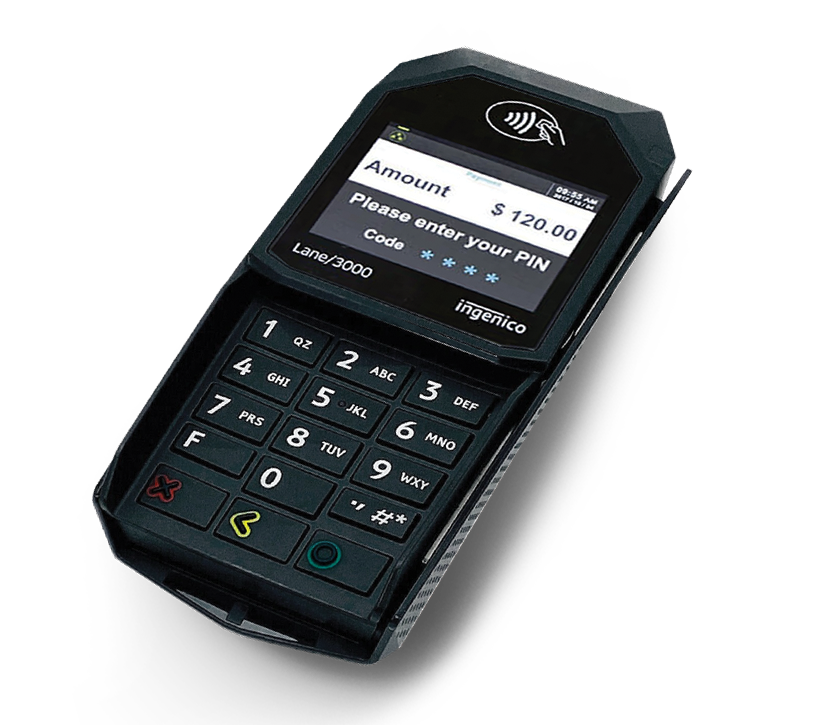
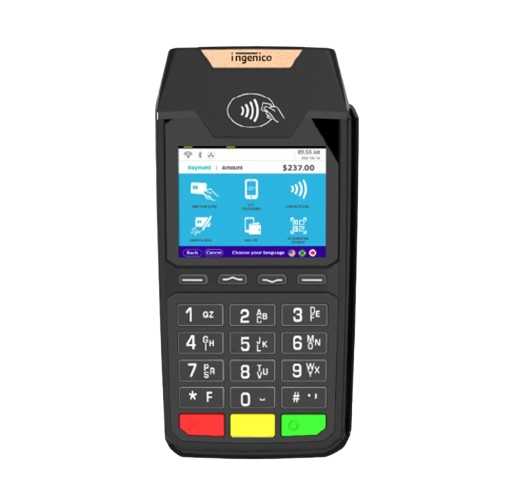
The credit card terminals are also on their way and should arrive within the same timeframe. Under Payments Processing Set-Up below, click the POS terminal model to access our easy setup and testing guide.
LQpay Web
Portal
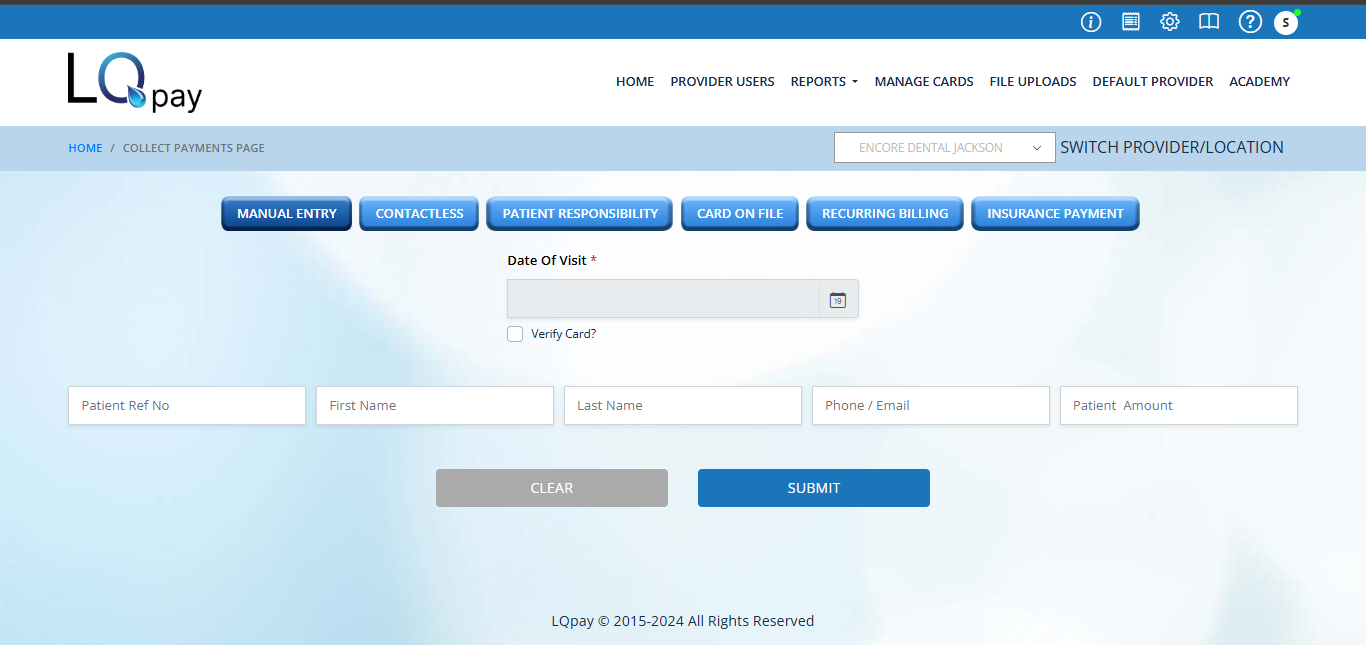
Login credentials for accessing the LQpay web portal / dashboard have been sent to the primary email address provided by your team. Please verify you can successfully login to the portal.
User
Training
An “on-demand” video is available on the Implementation Resource Page. This covers the platform’s key features.
*From the time we are connected and have access to your PM System, the configuration of your Robotics/Auto-Posting will be completed in approximately two (2) weeks.
Start Accepting Payments Today
Once the card readers and LQpay portal setup is completed you are ready to process payments! As an option, you can begin processing payments while the Robotics/Auto-Posting approaches completion and post payments manually in the interim.
Robotics setup
Not Using Robotics/Auto-Posting? Skip this step!
LinQ Unit Set-up
(connectivity)
EMR/PM system
login credentials
(access)
PAYMENTS PROCESSING
Card Reader Set-up and testing
(POS Terminal)
LQpay Web Portal /
Dashboard
Payments Processing Set-Up
CARD READERS
Click the terminal image below for instructions on setting up, connecting and testing your point-of-sale terminal(s). Upon completion of set-up, email (implementation@lqpay.ai) for terminal testing.
LQpay Portal
Click to access the client login portal. Keep an eye out
for credentials sent to you via email.
Robotics / Auto-Posting
Not Using Robotics/Auto-Posting? Skip this step!
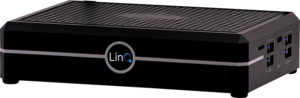
Installing and connecting the LQpay LINQ device to PM/EMR software. If you have elected this automation component of our platform, your LinQ unit is ordered by LQpay and will typically arrive within 5 business days. (*Assumes workflow call has been completed with the LQpay technical team.)
LINQ DEVICE
The LINQ/PC must be installed like any other new Computer/PC in your practice, as it houses the LOpay RPA technology (robotics auto-posting). Please contact your IT service provider for assistance if necessary.
FOR SET-UP
A screen, keyboard & mouse will be needed temporarily for set up – you may repurpose another one of your computer’s equipment for set-up, and remove/return it once complete
Should you need any further support in connecting your LINQ device, please contact your IT service provider. Still have questions? Please reach out to LinqTrack@lqpay.ai or implementation@lqpay.ai

BOT login credentials / access to your EMR/PM System
The Auto-Posting Robot will require a user/employee account setup in the PM System, with similar access for a biller/front-desk employee;
ability to post payments manually into a Patient’s ledger/account and access to the appointments/schedule for the One-Click-Payment feature.
The account does not need admin/manager/provider level access.
Suggested account setup info:
First Name: LQpay
Last Name: Payments
Username: LPAY               (or you can pick something else)
Password: XXXXX      (or you can pick something else)

Note: If your EMR/Practice Management System is web/cloud-based, please skip/do not use the user-login criteria above, and instead, please email implementation@lqpay.ai for specific instructions on creating the bot's user credentials.
Training Videos
Ready to train your users? Click below for access to our user orientation and training video. Once logged
in to your LQpay portal, visit the Academy tab for additional tutorials on all the various features of the solution.
Need further Assistance?
Should you need any further support, please contact our Implementations Team at implementation@lqpay.ai or (833) 572-6682